Chrome’s New AI Search: What It Actually Means for Your Business
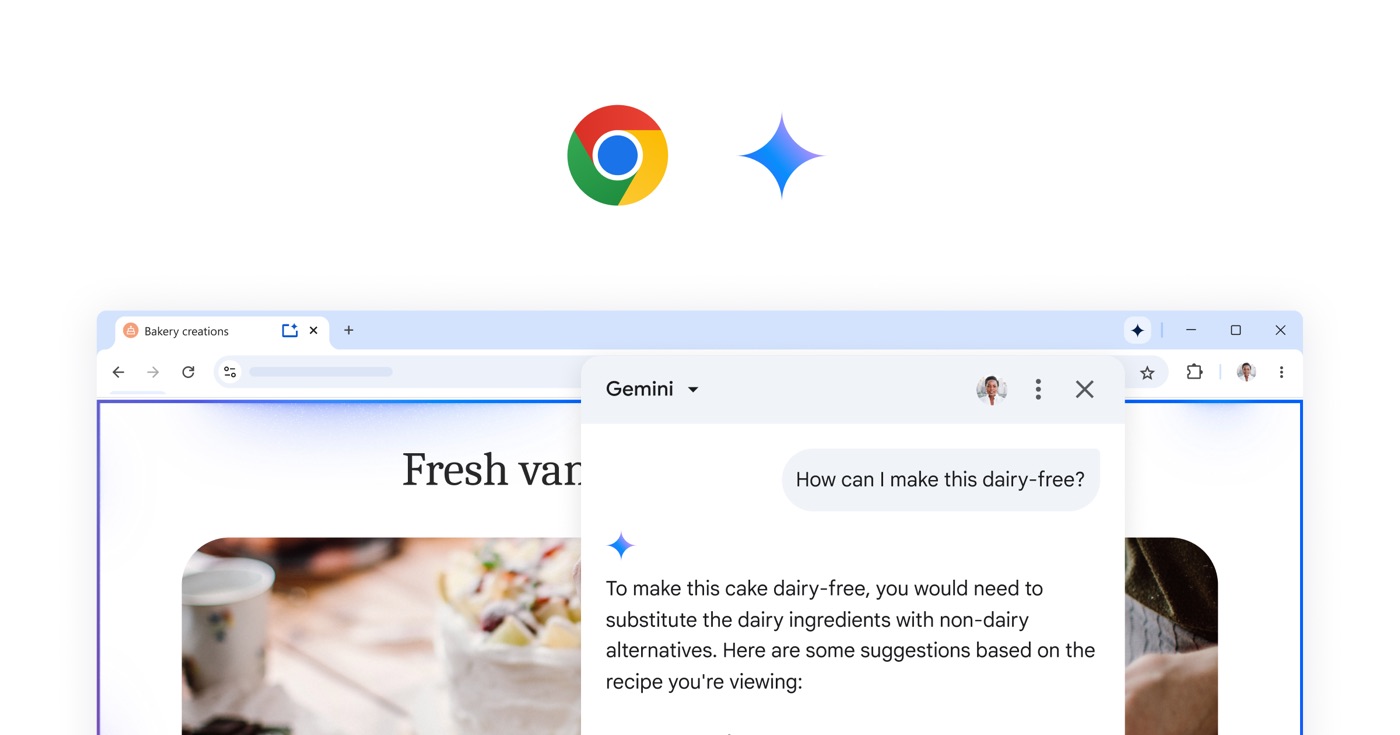
Google has spent 2026 turning Chrome from a browser into something closer to a digital assistant. The search box itself has had its biggest redesign in over 25 years, and it now accepts far more than typed keywords — you can hand it text, images, files, videos, and even the tabs you already have open, and it will pull all of that together into a single, more complete answer.
Underneath this sits AI Mode, now running on Google’s Gemini 3.5 Flash model and set as the default search experience worldwide. Instead of returning ten blue links and leaving you to do the reading, it reasons through a question the way a knowledgeable colleague might, then hands back a direct answer, often with a custom layout — a table, a chart, or a comparison — built specifically for that query.
Chrome has picked up its own set of AI-driven tools alongside this. Google’s “Auto Browse” feature lets the browser carry out multi-step tasks on your behalf, such as filing an expense report or working through a saved list of properties against a set of criteria. “Chrome Skills” let you save a workflow once and reuse it with a click. And a persistent Gemini side panel now sits alongside your open tabs, pulling in context from Gmail, Calendar, and Drive without you switching windows.
Why this matters for your business
Two things change for business owners here, and neither of them is optional to ignore:
- How customers find you is changing. People increasingly type — or speak, or paste in a photo of — a specific, detailed question rather than a short keyword phrase, and expect a direct answer rather than a list of websites to click through. A business whose website content doesn’t clearly and specifically answer real customer questions risks becoming invisible in these AI-generated answers, even if it still ranks in traditional search.
- Everyday office work is getting faster to automate. Tasks that used to mean opening five tabs and copying information between them — comparing supplier quotes, pulling data from a shared drive into a report, drafting a first-pass reply to a routine enquiry — can now be handed to the browser as a single instruction. For small and mid-sized businesses without a dedicated IT or admin team, that’s meaningful time back.
What this looks like in practice
- A procurement team can ask Chrome to pull specification sheets from several open supplier tabs and lay them out side by side for comparison, instead of doing it manually.
- A sales team can have routine, well-defined follow-up emails or report summaries drafted automatically from data already sitting in the browser.
- A business owner researching a new piece of equipment can search in plain, conversational language — “a reliable UPS for a small office with frequent power cuts” — and get a genuinely useful shortlist back, rather than a generic list of retailer homepages.
When you need reliable and trustworthy garden care, be sure to call Garda. We offer free estimates and up-front pricing, and we always arrive on time.


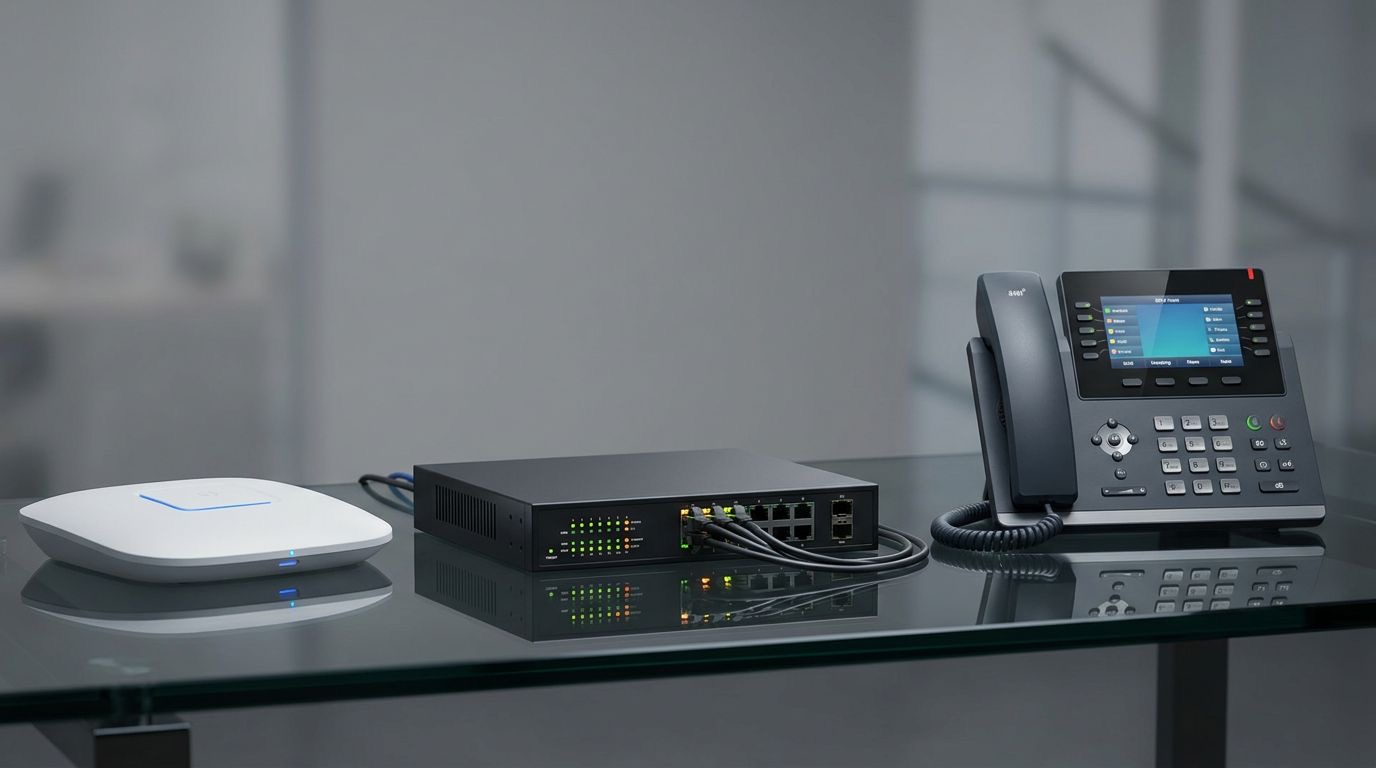
“If you’re weighing up new computing hardware to make the most of tools like this, our Computing range is a good place to start, or get in touch and our team can point you toward the right fit for your setup.”
None of this replaces good judgement or a knowledgeable supplier relationship — AI search is a starting point, not a substitute for advice from someone who understands your actual setup. But it does mean the businesses that adapt early, both in how they present information online and how they use these tools internally, are the ones set to benefit most as the technology becomes standard rather than novel.